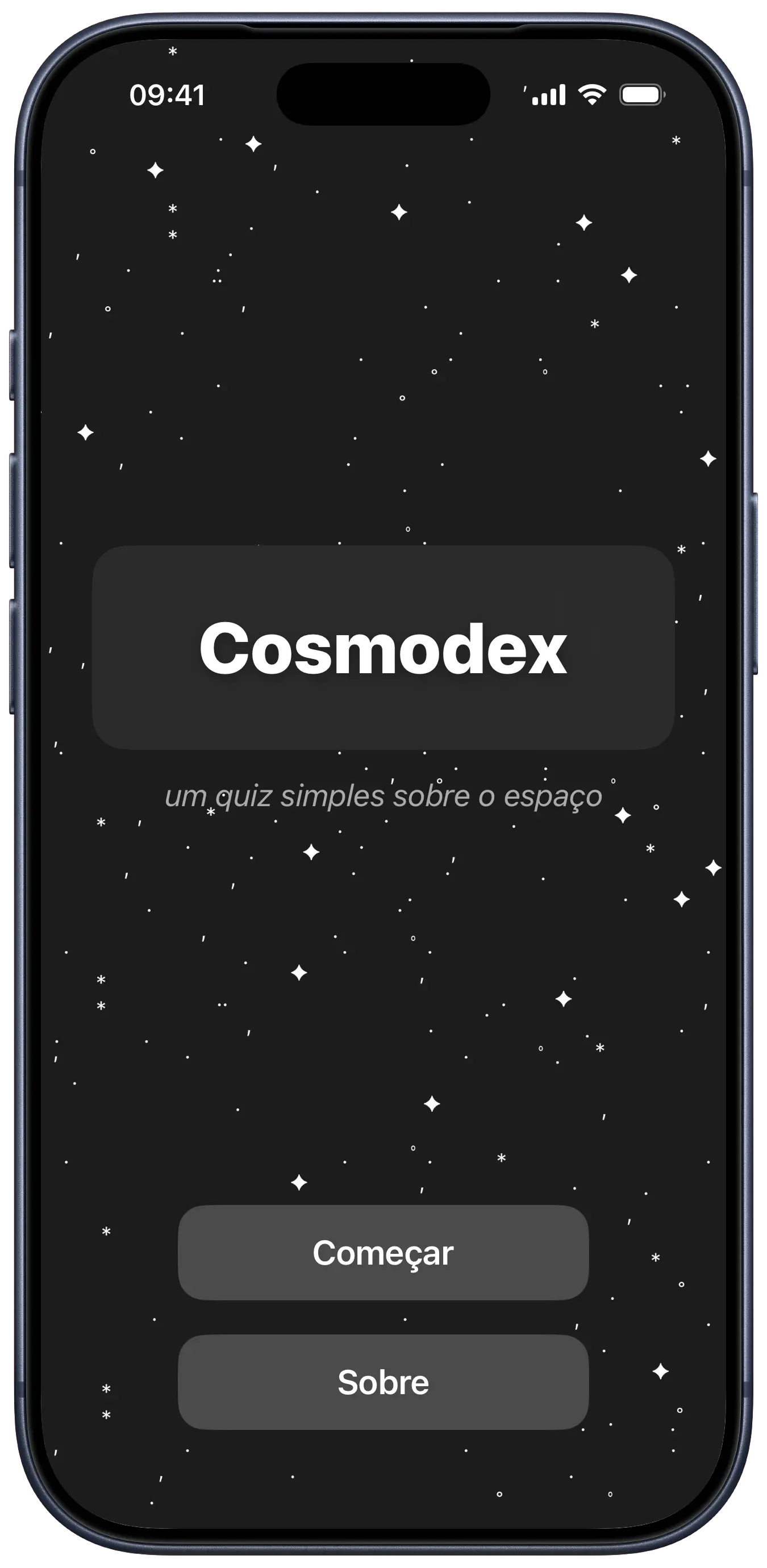
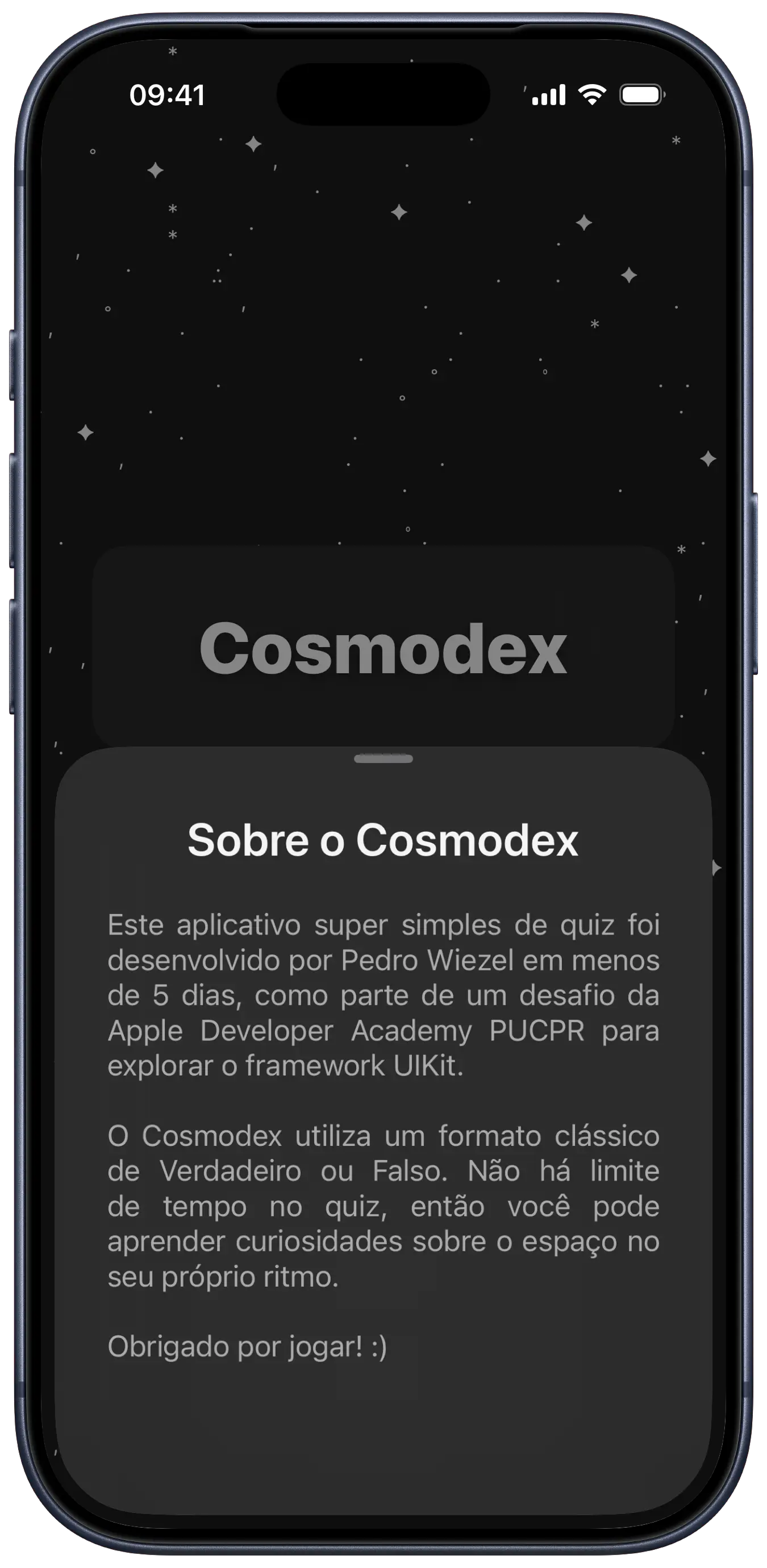
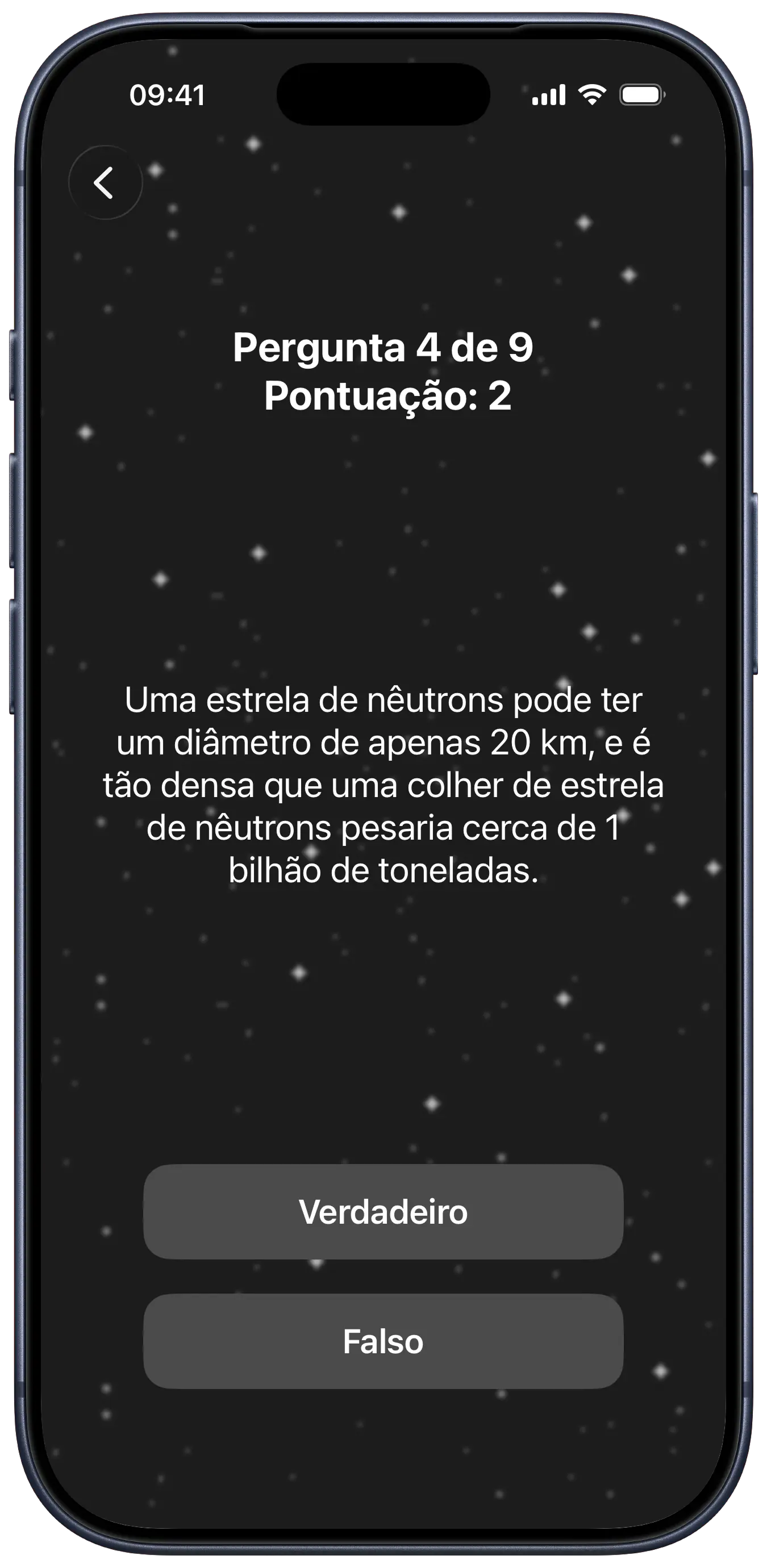
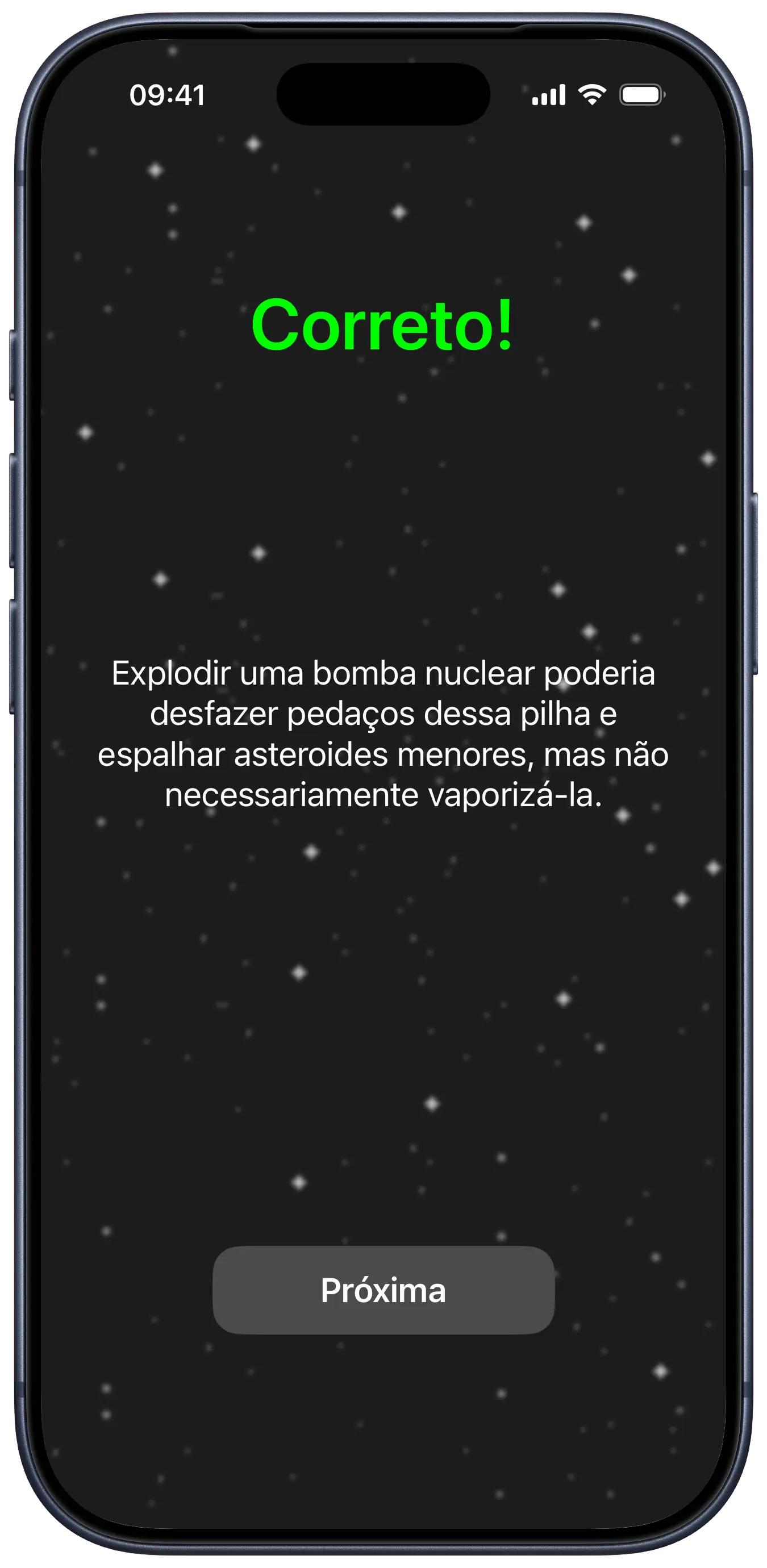
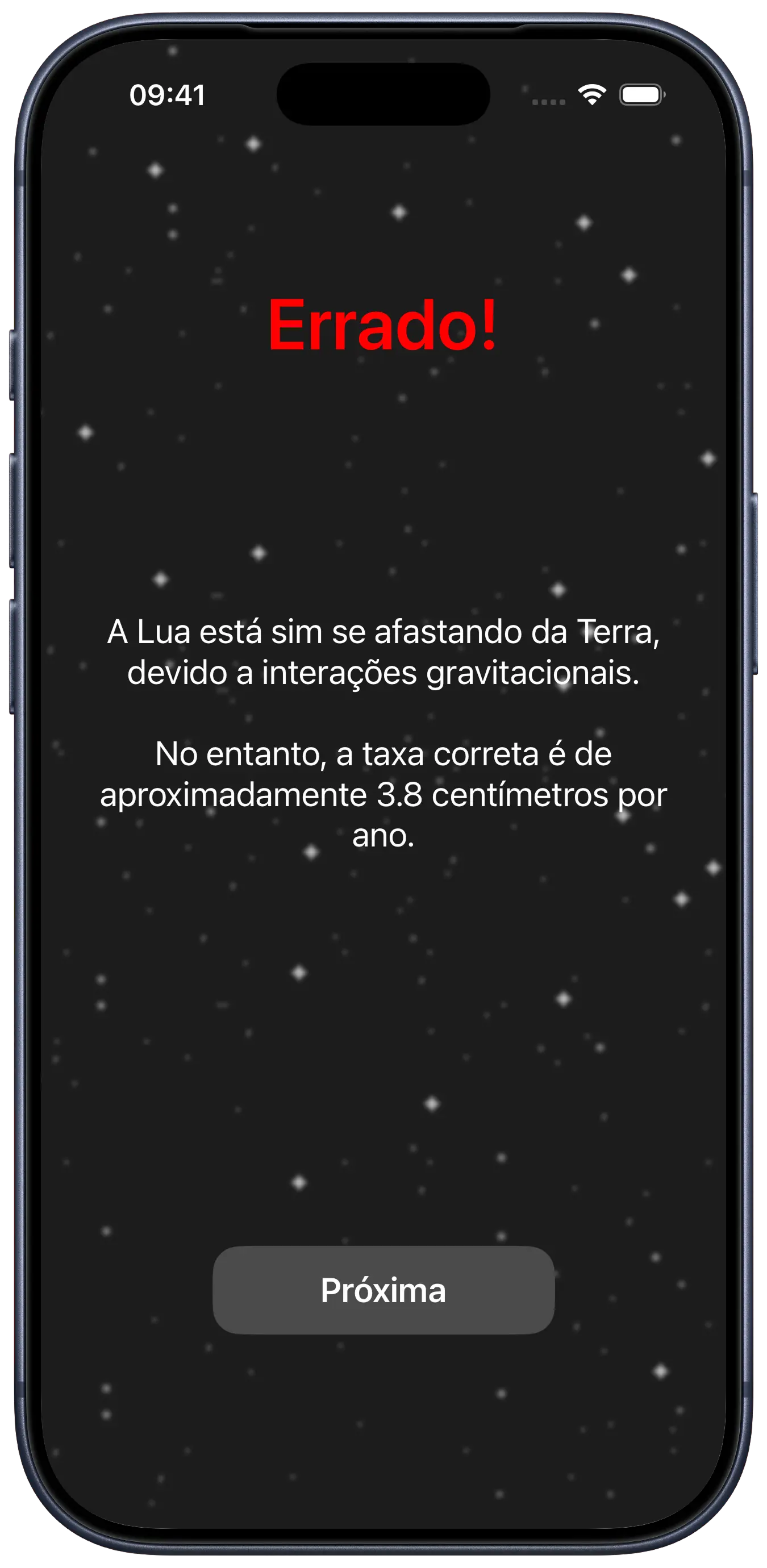
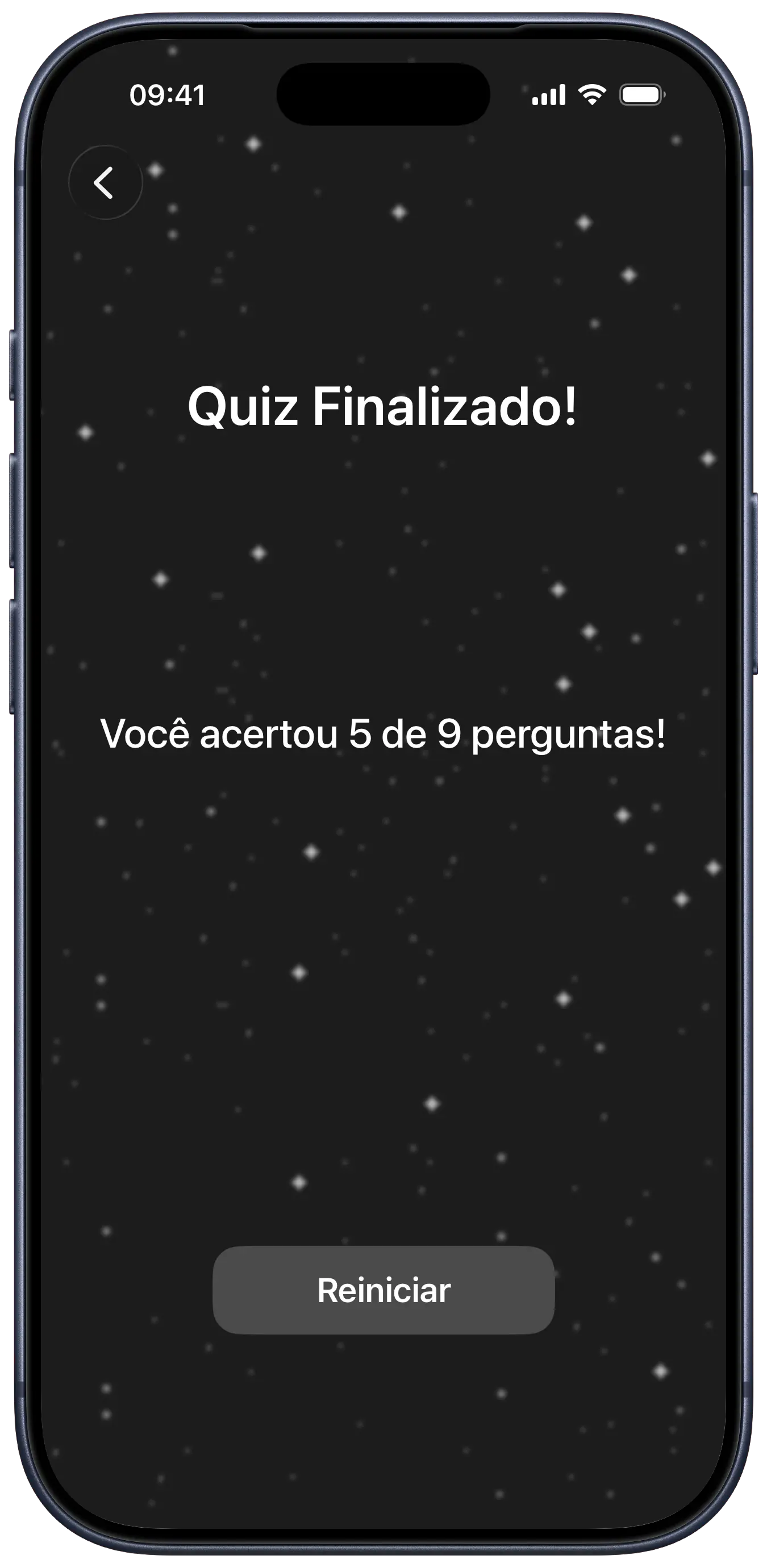
i developed cosmodex in five days during an UIKit basics challenge at the Apple Developer Academy. the project was an opportunity to learn UIKit in a programmatic manner, avoiding the use of Storyboards, and to grasp the fundamentals of positioning elements on the screen, navigation between views, and manipulation of basic data (in this case, the quiz score).
since i love all things related to astronomy, i had the idea of building a simple Universe-themed trivia game. it adheres strictly to the MVC architecture, ensuring that all layout and view lifecycle management was handled explicitly through code.
cosmodex helped me learn a lot about using Auto Layout to build responsive screens programmatically. it was also a nice opportunity to hone my skills in separating logic from the user interface, which can be challenging at times. it was also a way to explore some immersive design principles on the side, like implementing some microinteraction effects (like the little animation the buttons have on startup) and haptic feedback to enhance the dark-themed aesthetic.
i loved using Icon Composer to come up with an icon - did you notice the little stars and galaxies in the icon are all ASCII characters? 😄
some fonts used in this project are proprietary and may not display correctly if they are not installed on your system.
rationale
considering cosmodex's nature as an exercise in basic UIKit concepts and also the chosen theme - a quiz about the universe - i opted for a minimalist and dark design. this not only complements the space theme, but made the design process quite simple and effective.
the color palette consists of black, white, and an intermediate gray, with green and red to indicate correct and incorrect answers, respectively. the chosen typography, SF Pro Display, is clean and modern, and being native to Apple platforms, ensures ease of use and readability.
tech stack
UIKit
programmatic UI
MVC
architecture
Auto Layout
responsive design
Icon Composer
asset creation
code snippets
ExplanationViewController Implementation
swift
class ExplanationViewController: UIViewController { var explanationView = ExplanationView() var feedbackText: String = "" var explanationText: String = "" var onNext: (() -> Void)? override func loadView(){ self.view = explanationView } override func viewDidLoad() { super.viewDidLoad() explanationView.setFeedback(feedbackText) explanationView.setExplanation(explanationText) explanationView.nextButton.addTarget(self, action: #selector(nextTapped), for: .touchUpInside) } @objc func nextTapped() { triggerHapticFeedback() onNext?() }}