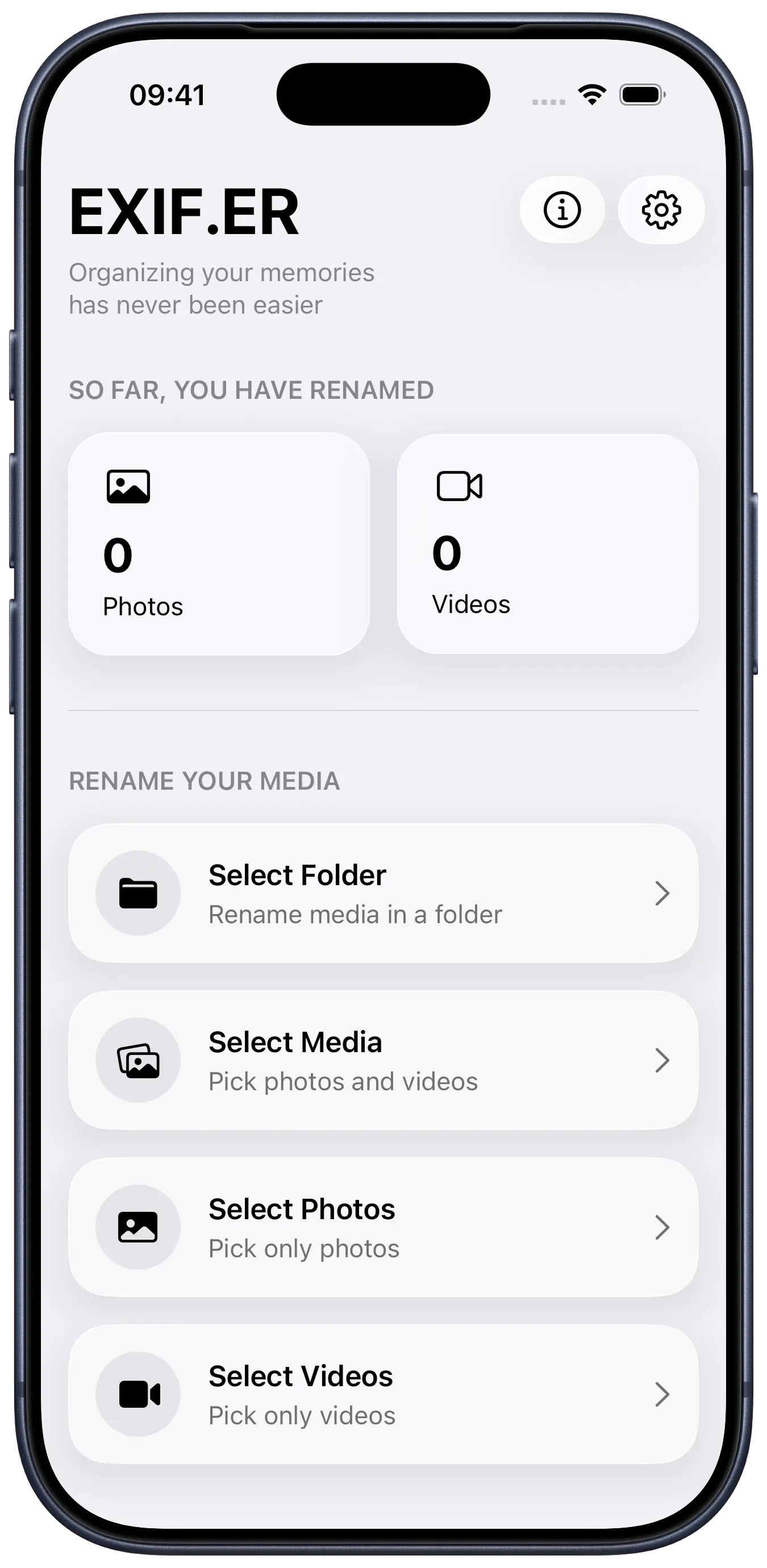
EXIF.ER started as a script based on Phil Harvey’s exiftool. i originally built this automation to organize my photo backups. since i take lots of photos with my iPhone, i soon adapted the script to work through the Shortcuts app.
later, at the Apple Developer Academy, we were challenged to create a tool that solved a real practical problem. the choice felt natural: what started as a script was the perfect foundation for a full app.
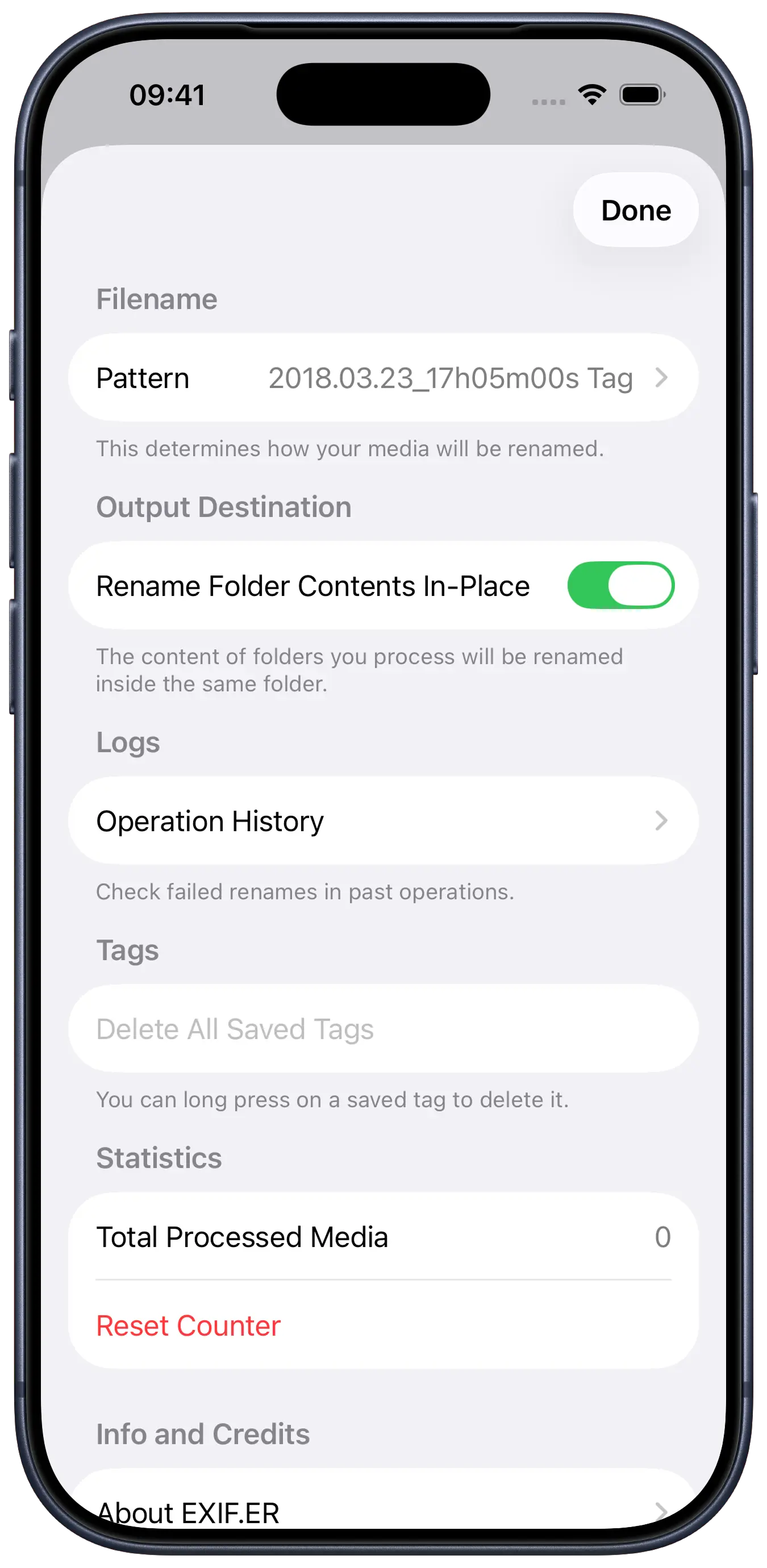
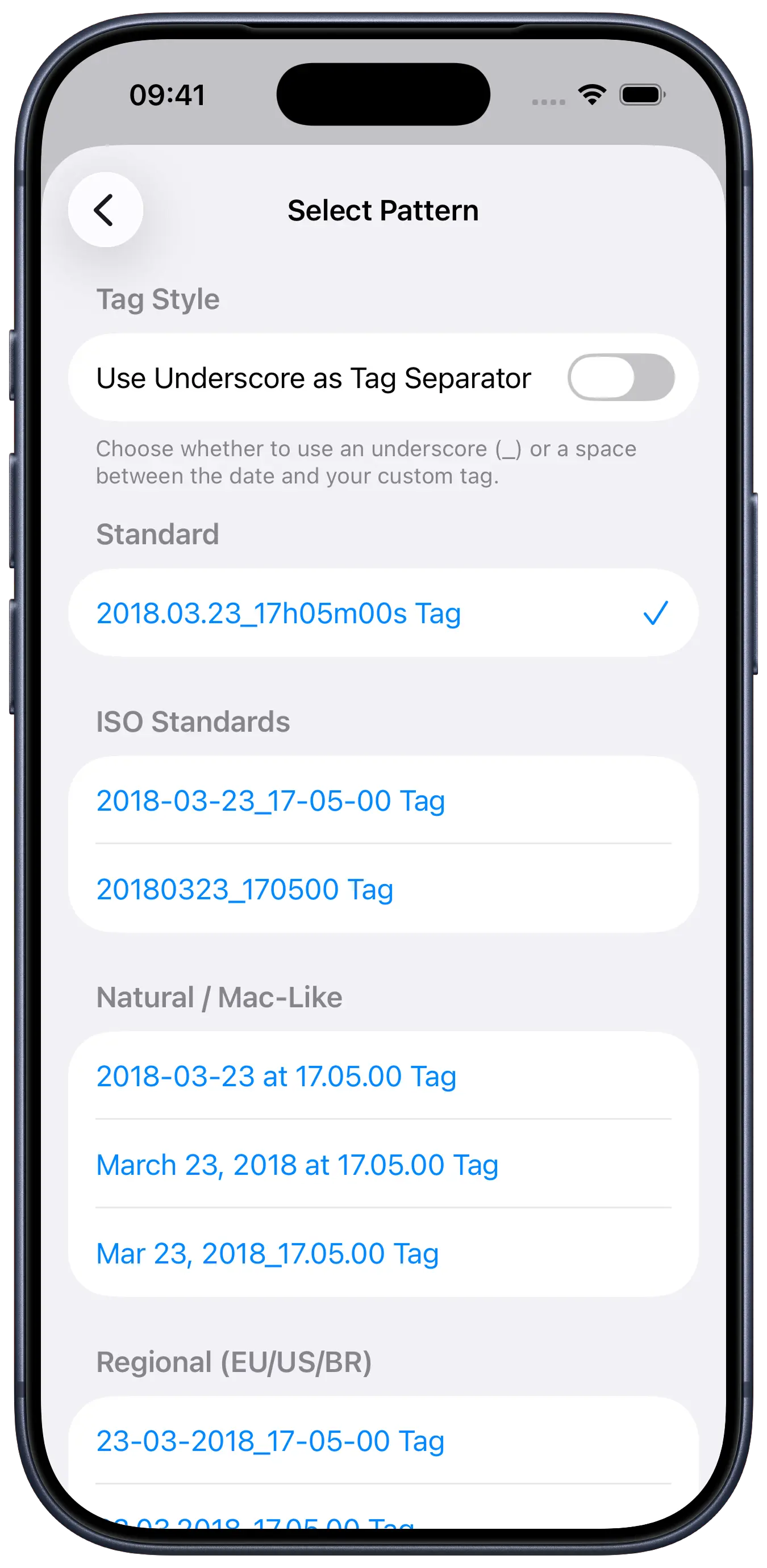
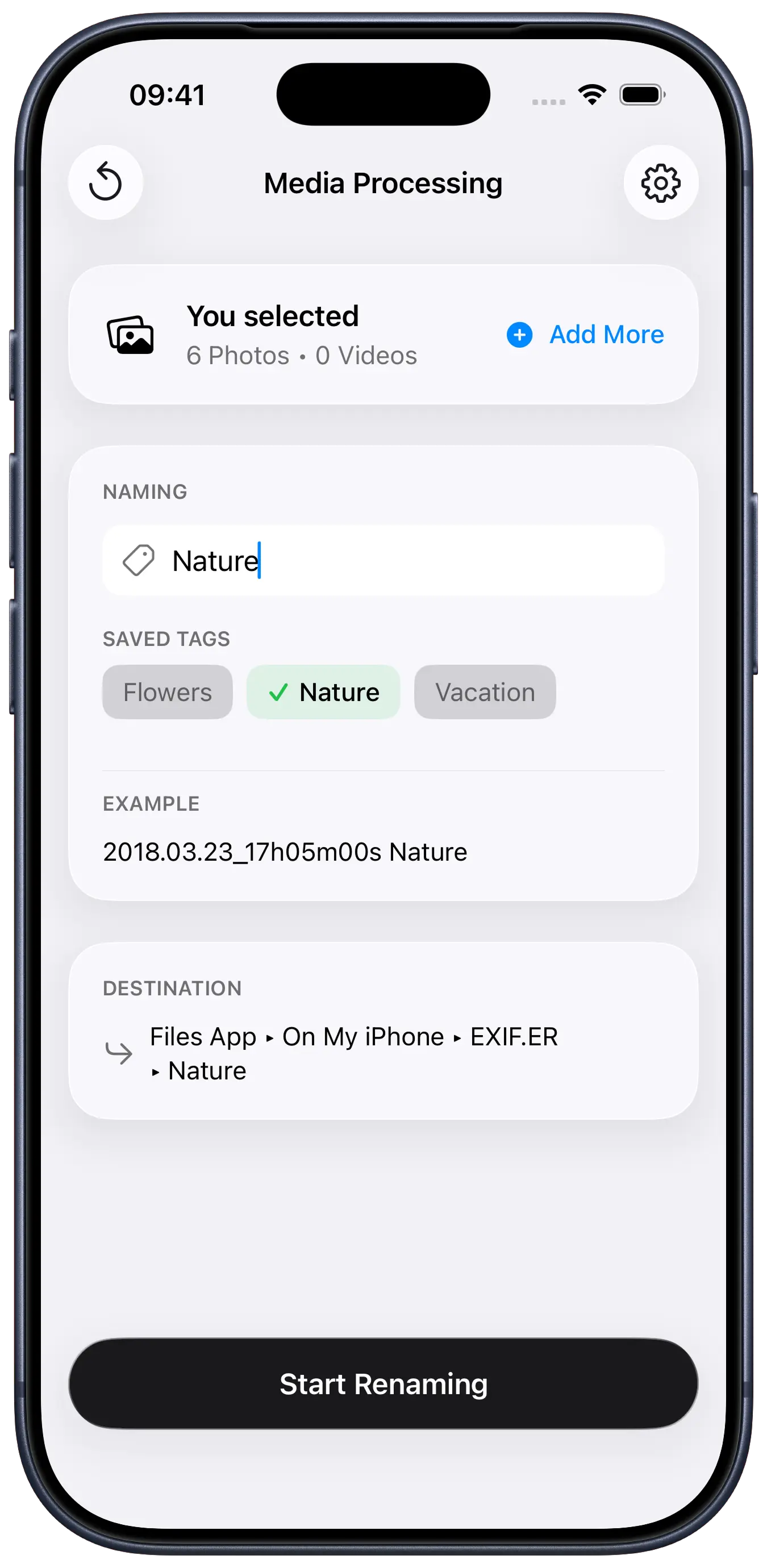
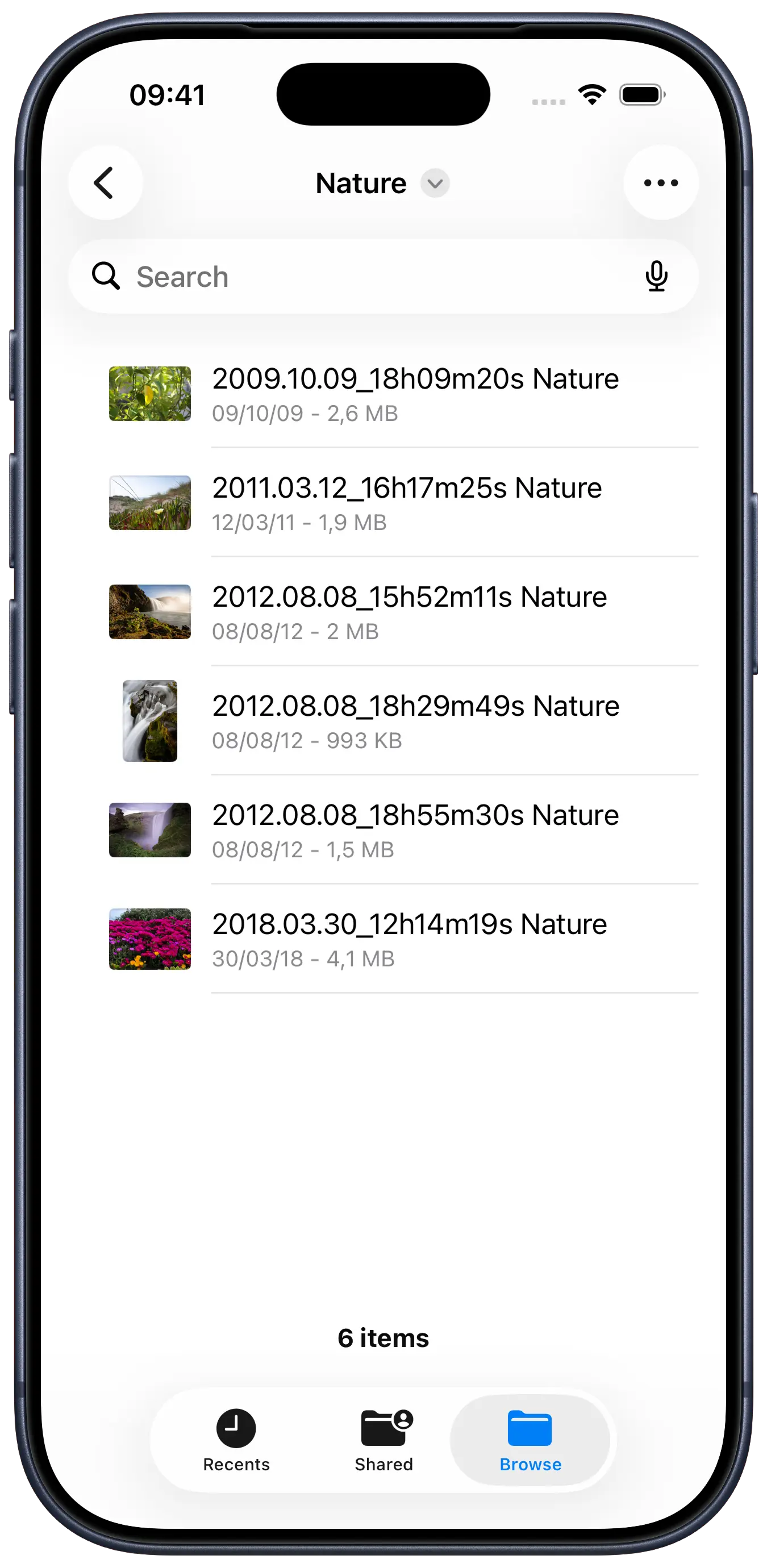
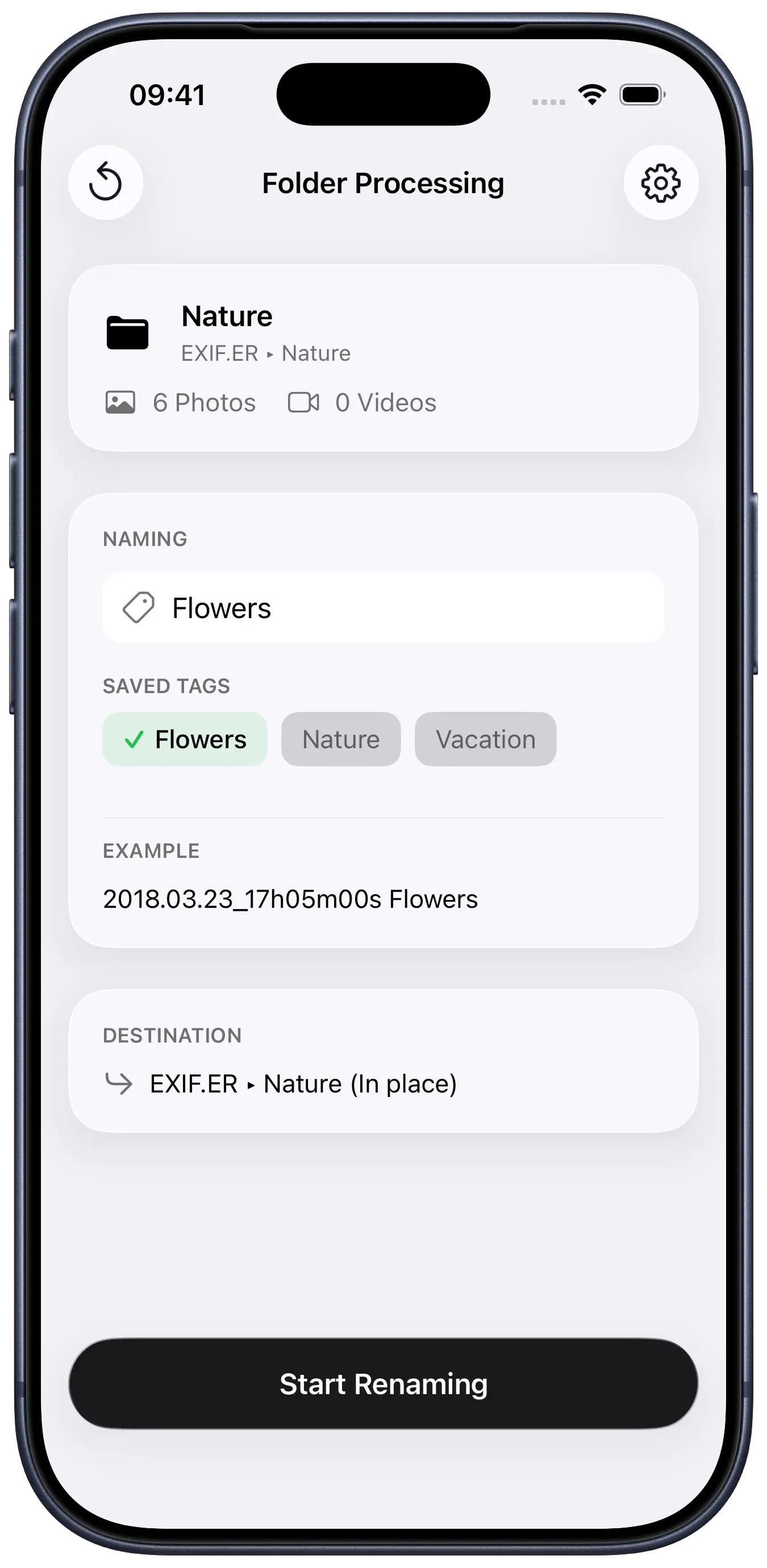
that’s how EXIF.ER was born. it automatically renames photos using their original capture dates (EXIF metadata), letting you choose from multiple naming templates for easier organization.
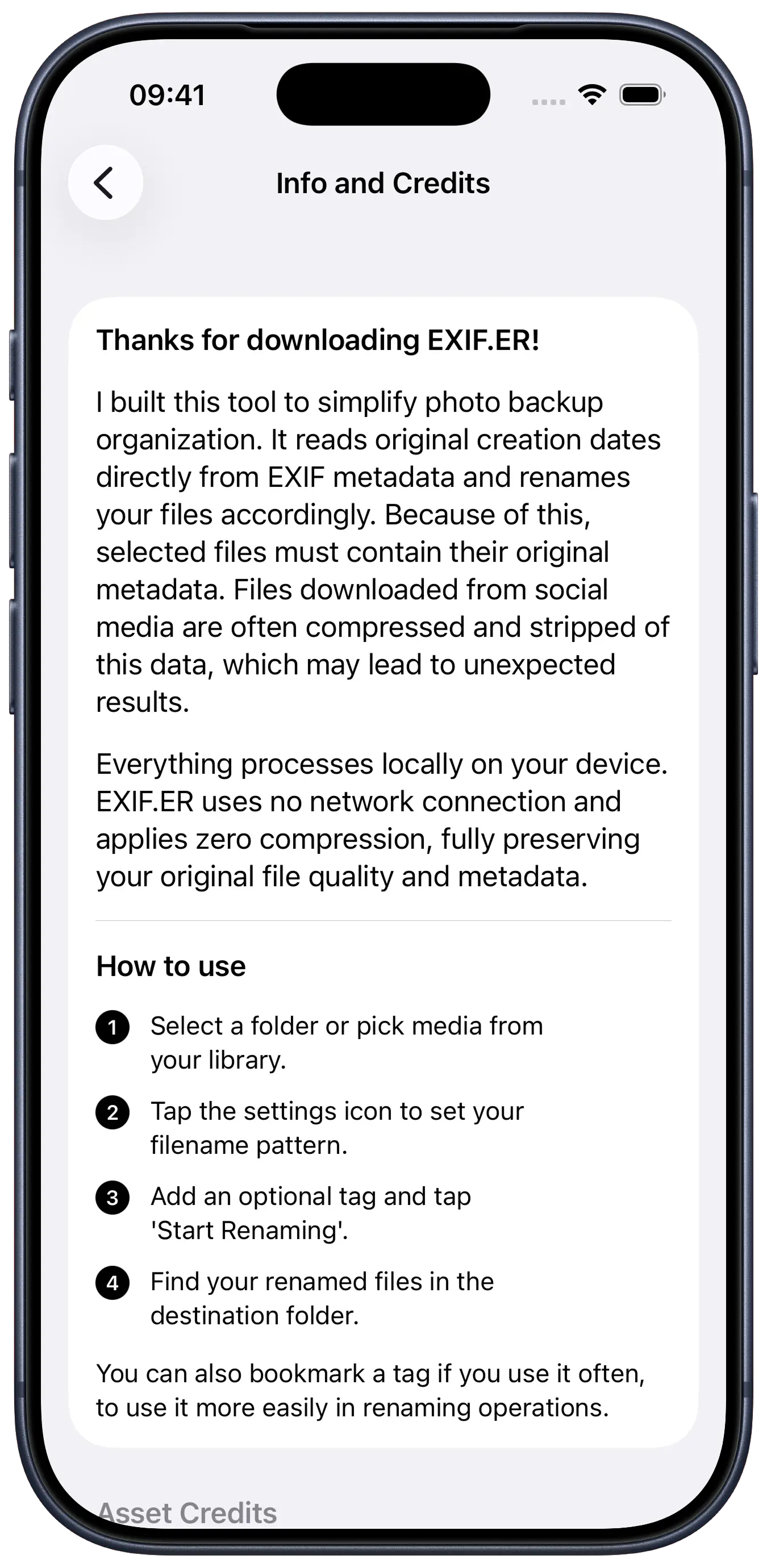
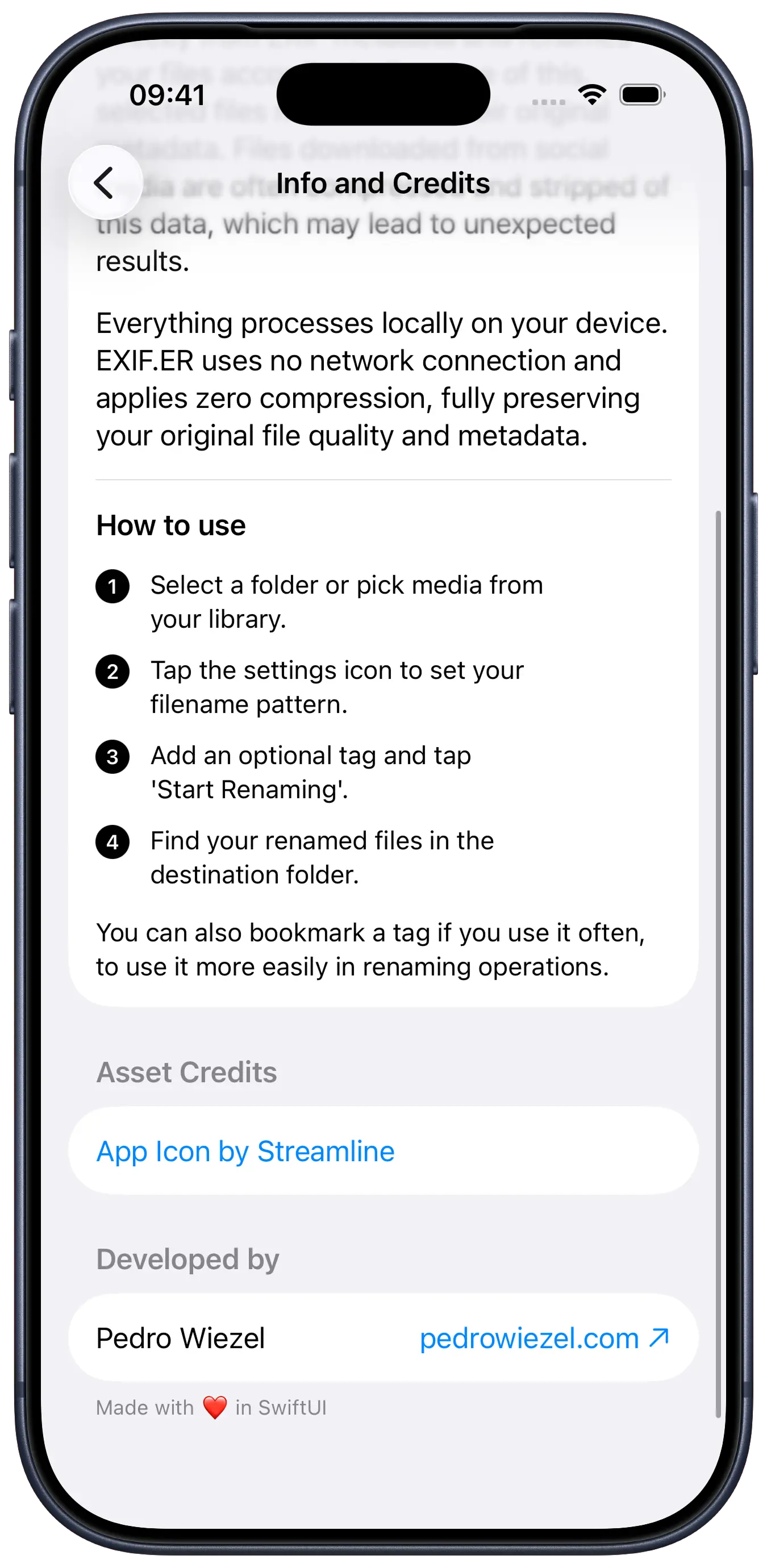
all processing works locally on-device—no uploads or servers. the app integrates with both the file system and the Photo Library and supports multiple formats, including .DNG (Apple ProRAW). photos are renamed while preserving their original quality and metadata.
available in 6 languages, developing EXIF.ER was an enriching technical challenge that covered the full development cycle: from interface and code to data manipulation. i am proud of the result, not only because it is a tool i use daily, but because it marks my debut on the App Store.
design choices
palette
matte#F2F2F7shutter#1C1C1Eflash#FFFFFF
typography
SF Mono/technical feel
The quick fox jumps over the lazy dog
SF Pro Display/readability & clarity
The quick fox jumps over the lazy dog
some fonts used in this project are proprietary and may not display correctly if they are not installed on your system.
rationale
EXIF.ER follows a minimalist and functional design, focused on usability. the light and dark color palette provides a comfortable visual experience in different lighting conditions.
i used the native system color .systemGray6, which ensures the app adapts to both light and dark modes.
the typography combines SF Mono for a technical feel, evoking an efficient and reliable tool, with SF Pro Display in the settings panel for readability and clarity.
tech stack
SwiftUI
UI framework
PhotosUI
photo handling
FileManager
file system
Icon Composer
asset creation
code snippets
Transferring photo data
swift
struct PhotoFile: Transferable { let url: URL static var transferRepresentation: some TransferRepresentation { FileRepresentation(contentType: .image) { photoFile in SentTransferredFile(photoFile.url) } importing: { received in let fileName = received.file.lastPathComponent let copyURL = FileManager.default.temporaryDirectory.appendingPathComponent(fileName) if FileManager.default.fileExists(atPath: copyURL.path) { try? FileManager.default.removeItem(at: copyURL) } try FileManager.default.copyItem(at: received.file, to: copyURL) return PhotoFile(url: copyURL) } }}
Performance and memory usage optimization
swift
private func loadThumbnails() async { self.isLoadingThumbnails = true var loadedImages: [UIImage] = [] for item in selectedPhotoItems.prefix(3) { if let data = try? await item.loadTransferable(type: Data.self) { if let source = CGImageSourceCreateWithData(data as CFData, nil) { let options: [CFString: Any] = [ kCGImageSourceCreateThumbnailFromImageAlways: true, kCGImageSourceCreateThumbnailWithTransform: true, kCGImageSourceThumbnailMaxPixelSize: 300 ] if let cgImage = CGImageSourceCreateThumbnailAtIndex(source, 0, options as CFDictionary) { loadedImages.append(UIImage(cgImage: cgImage)) } } } }}
Concurrency and data safety
swift
actor NamingService { func generateFinalURL(baseName: String, fileExtension: String, in folderURL: URL) -> URL { var finalURL: URL var counter = 0 repeat { let suffix = counter > 0 ? "_(counter)" : "" let newFilename = "(baseName)(suffix).(fileExtension)" finalURL = folderURL.appendingPathComponent(newFilename) counter += 1 } while FileManager.default.fileExists(atPath: finalURL.path) return finalURL }}
Performant, safe metadata extraction
swift
private func getImageCreationDate(from url: URL) -> Date? { guard let source = CGImageSourceCreateWithURL(url as CFURL, nil), let properties = CGImageSourceCopyPropertiesAtIndex(source, 0, nil) as? [String: Any] else { return nil } let exif = properties[kCGImagePropertyExifDictionary as String] as? [String: Any] let tiff = properties[kCGImagePropertyTIFFDictionary as String] as? [String: Any] let dateString = (exif?[kCGImagePropertyExifDateTimeOriginal as String] as? String) ?? (tiff?[kCGImagePropertyTIFFDateTime as String] as? String) guard let dateString = dateString else { return nil } let formatter = DateFormatter() formatter.dateFormat = "yyyy:MM:dd HH:mm:ss" return formatter.date(from: dateString)}