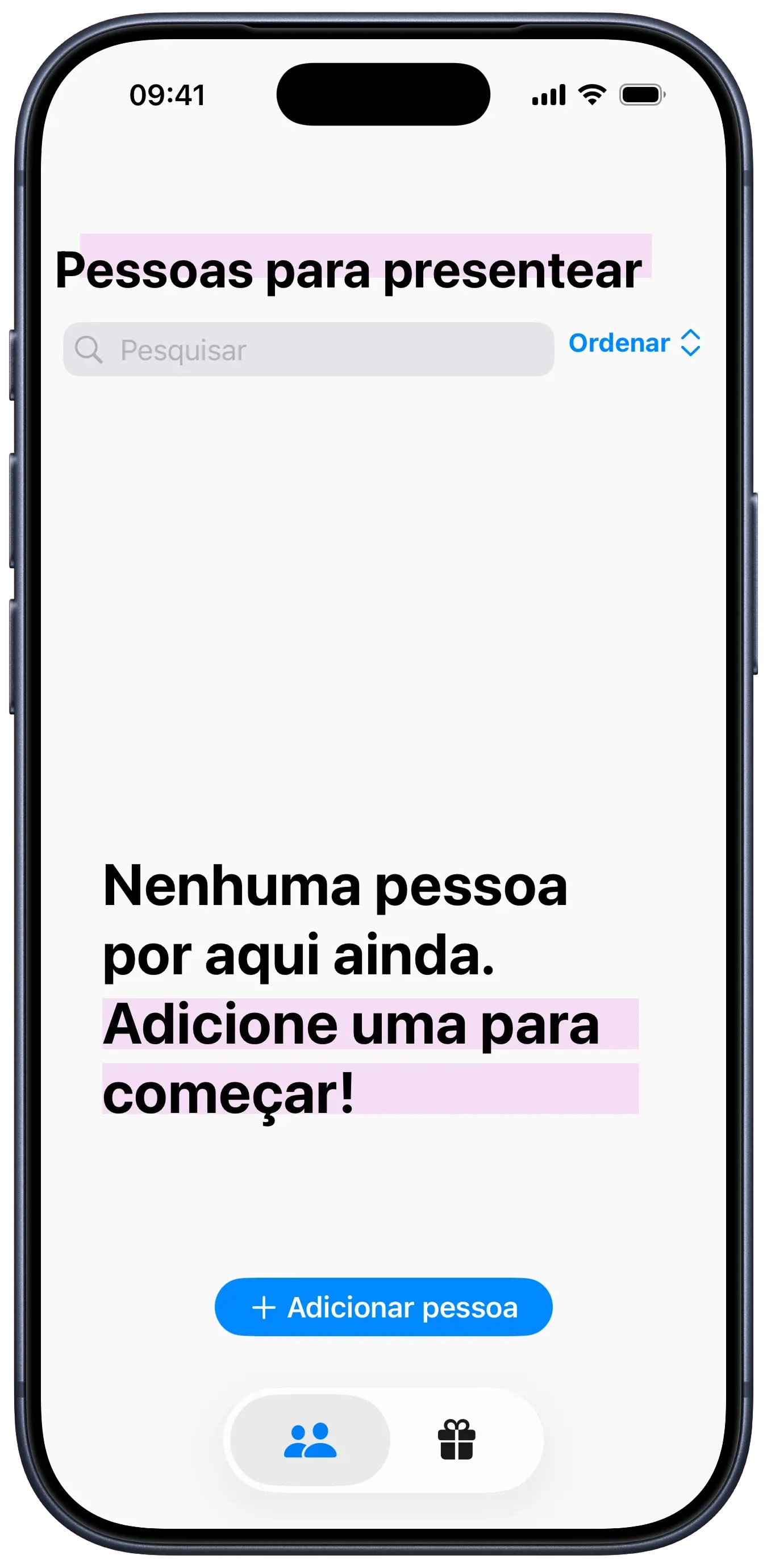
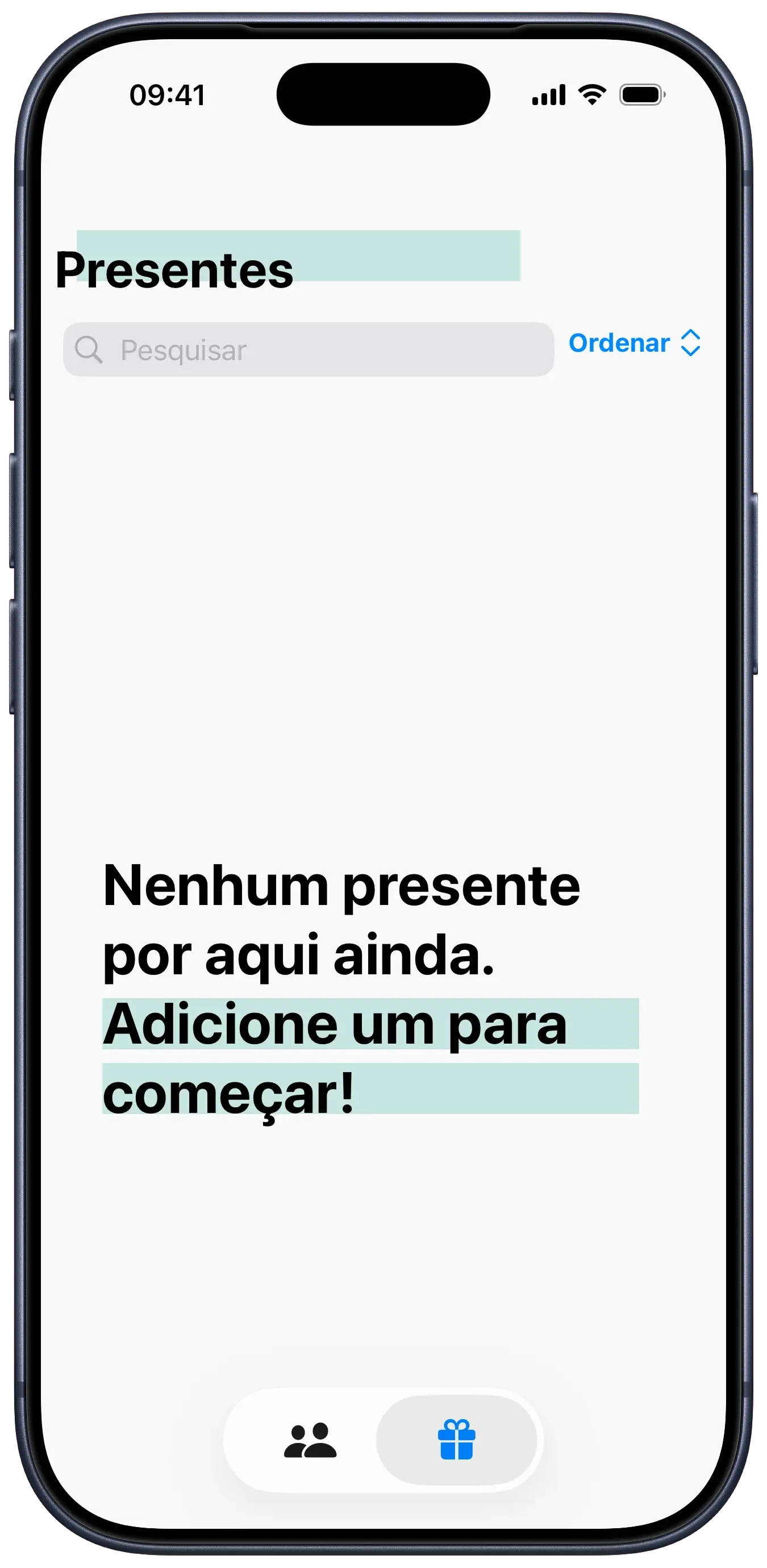
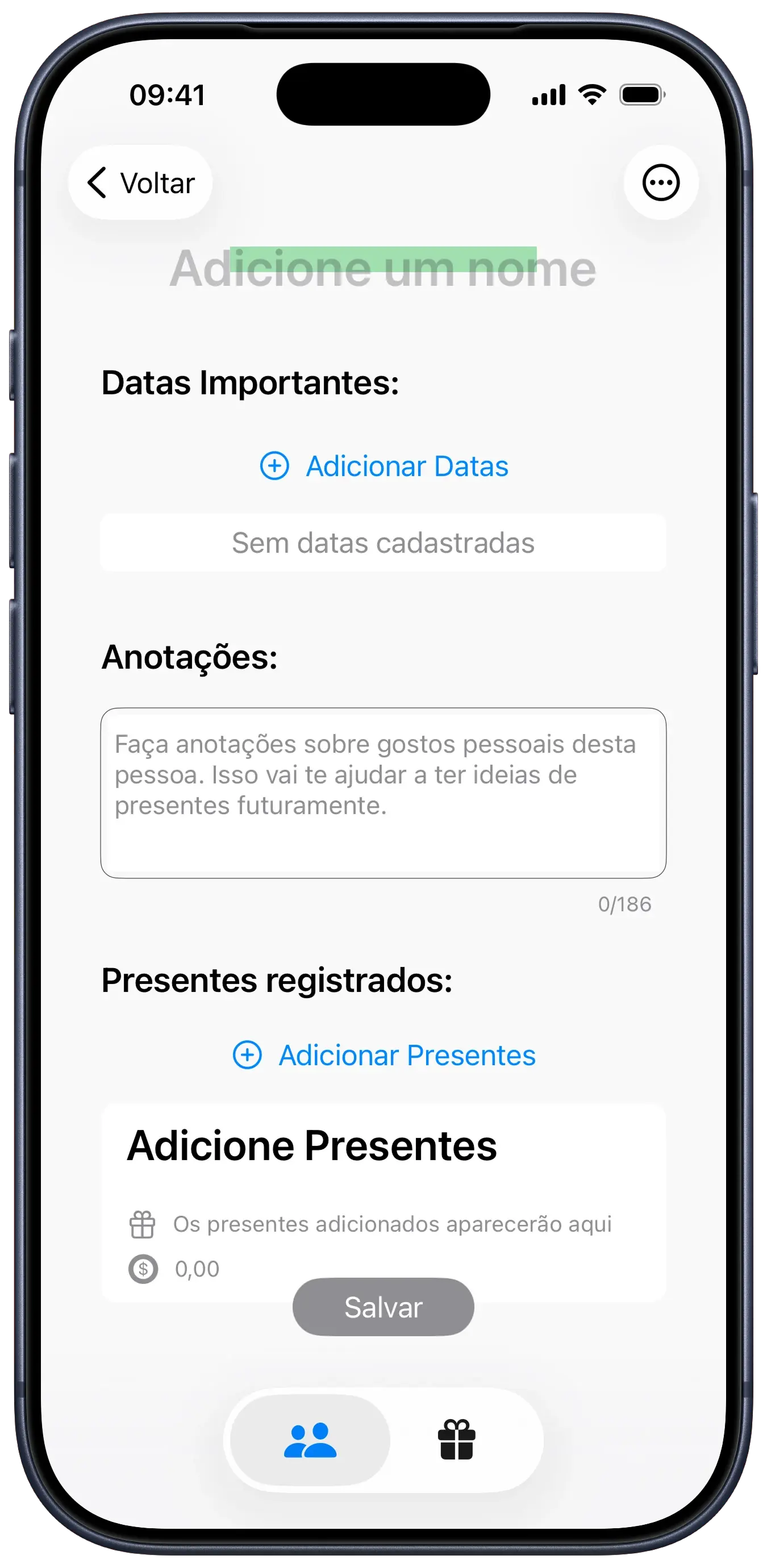
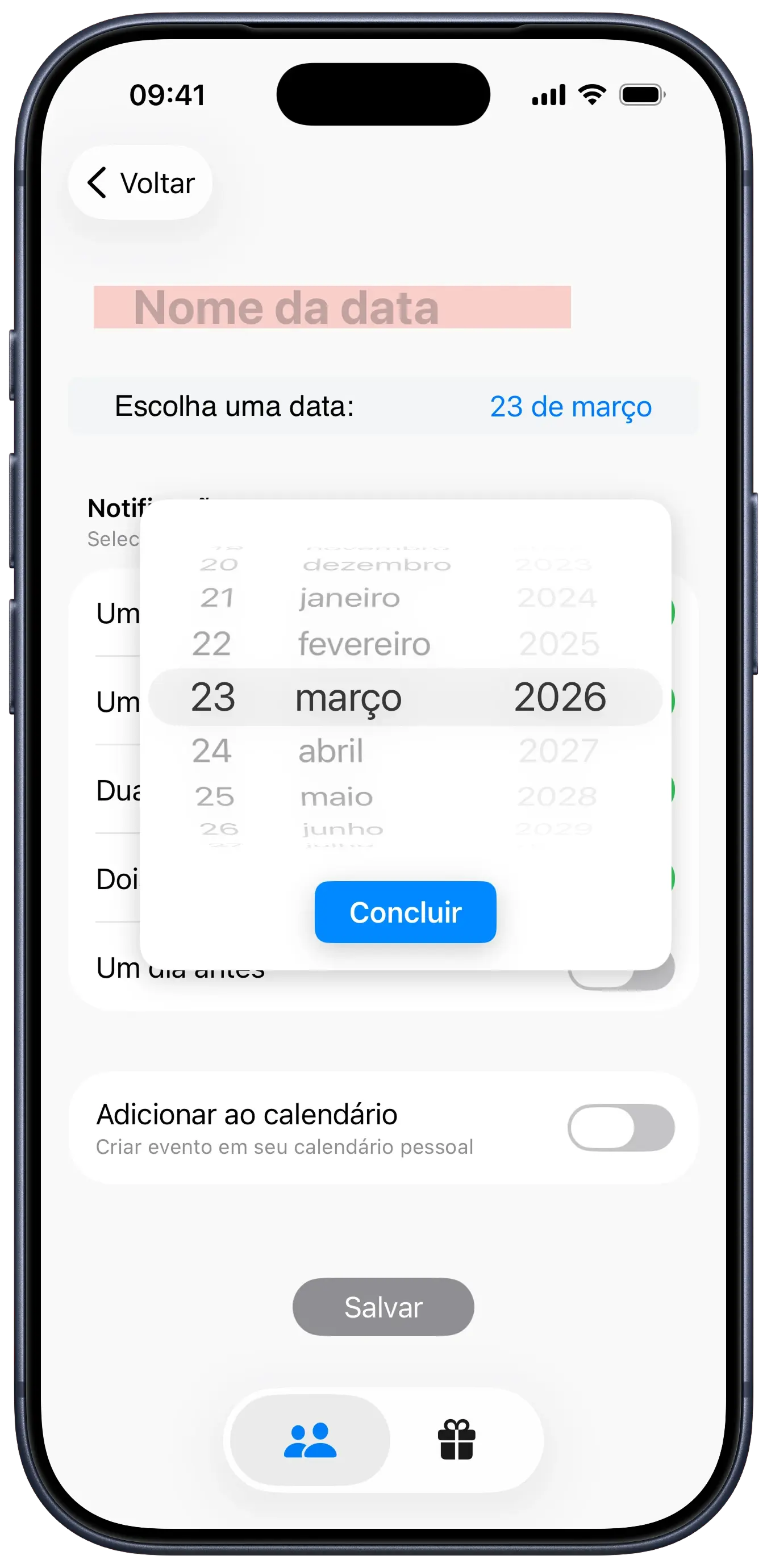
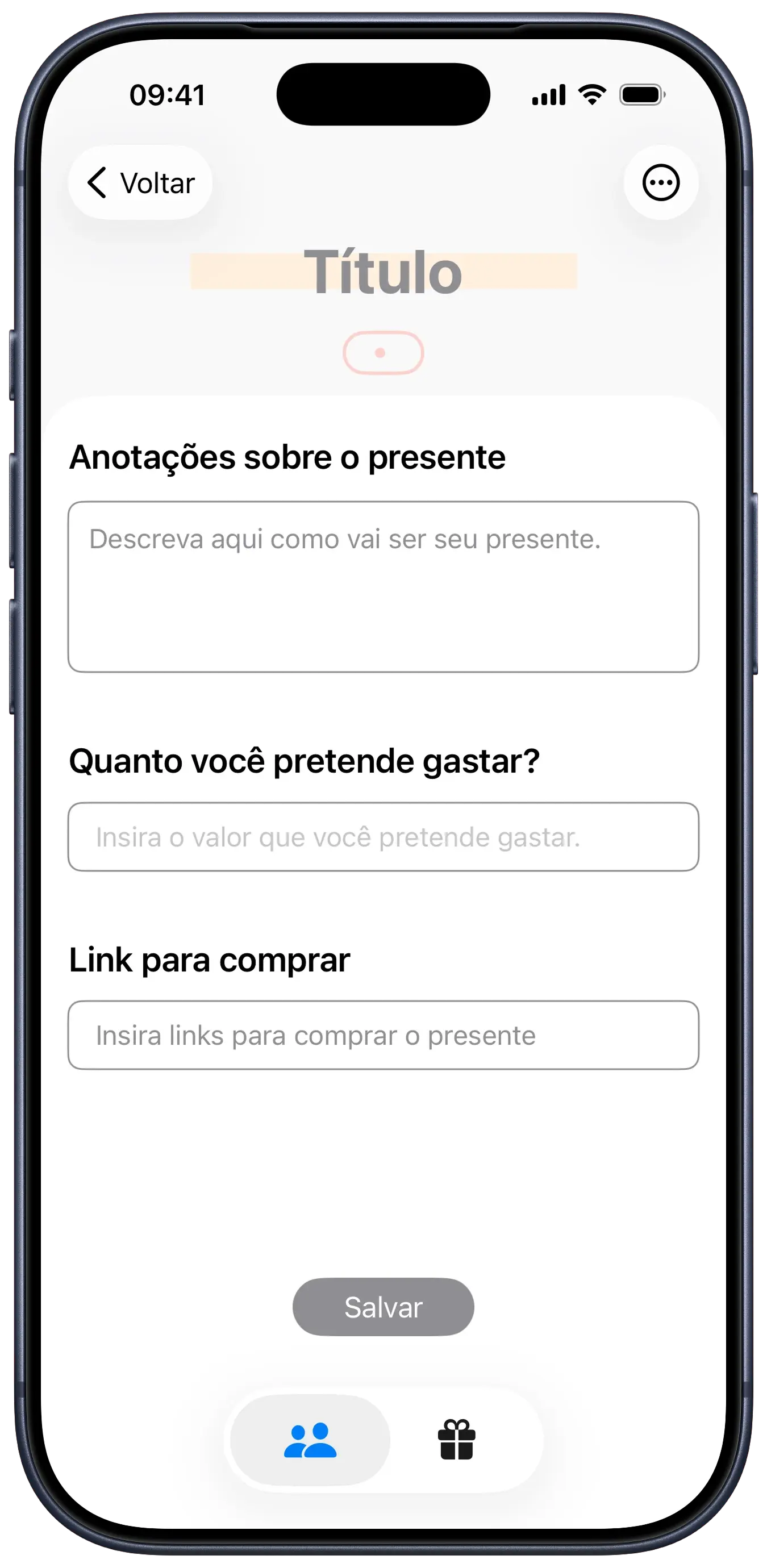
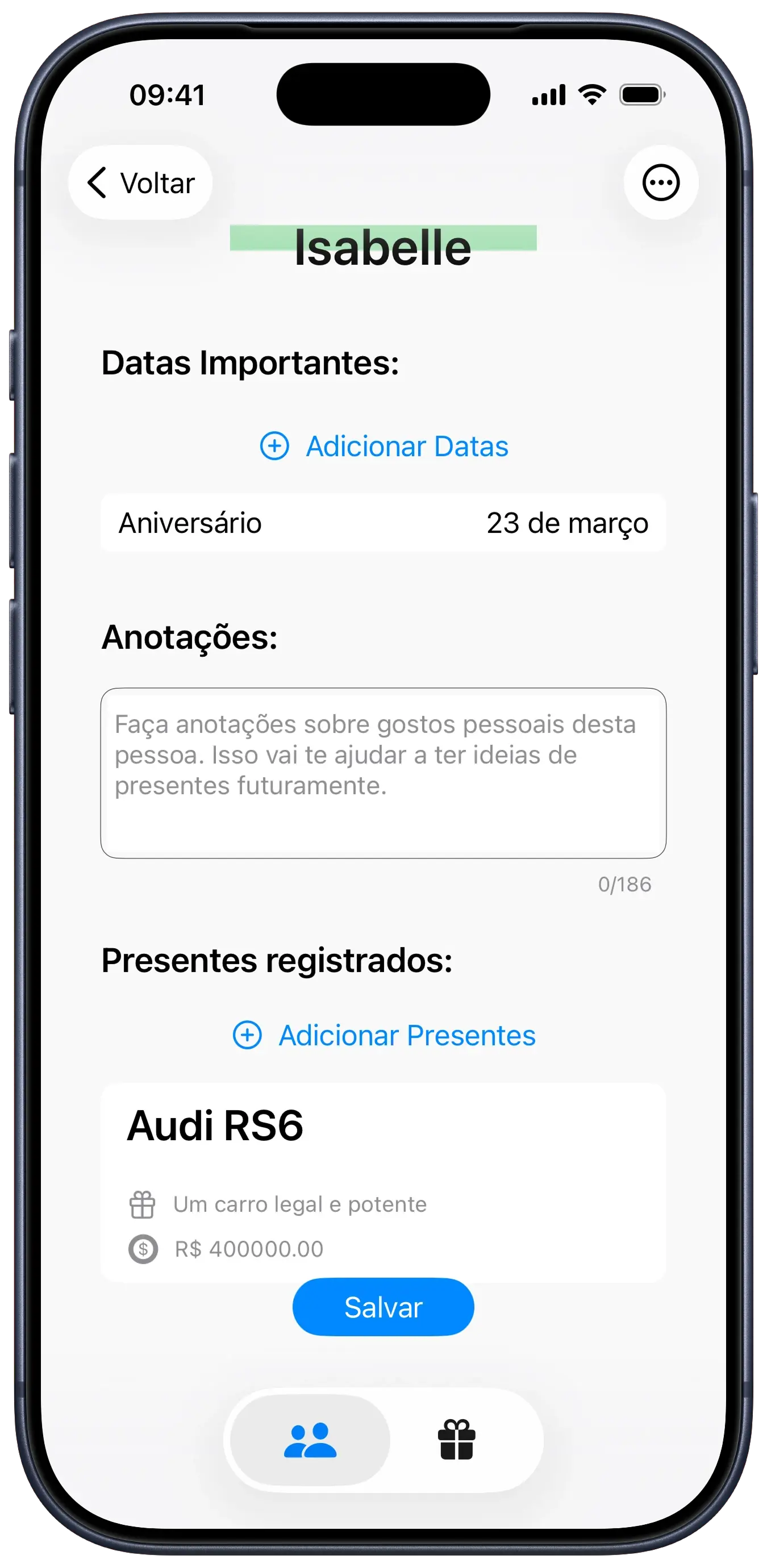
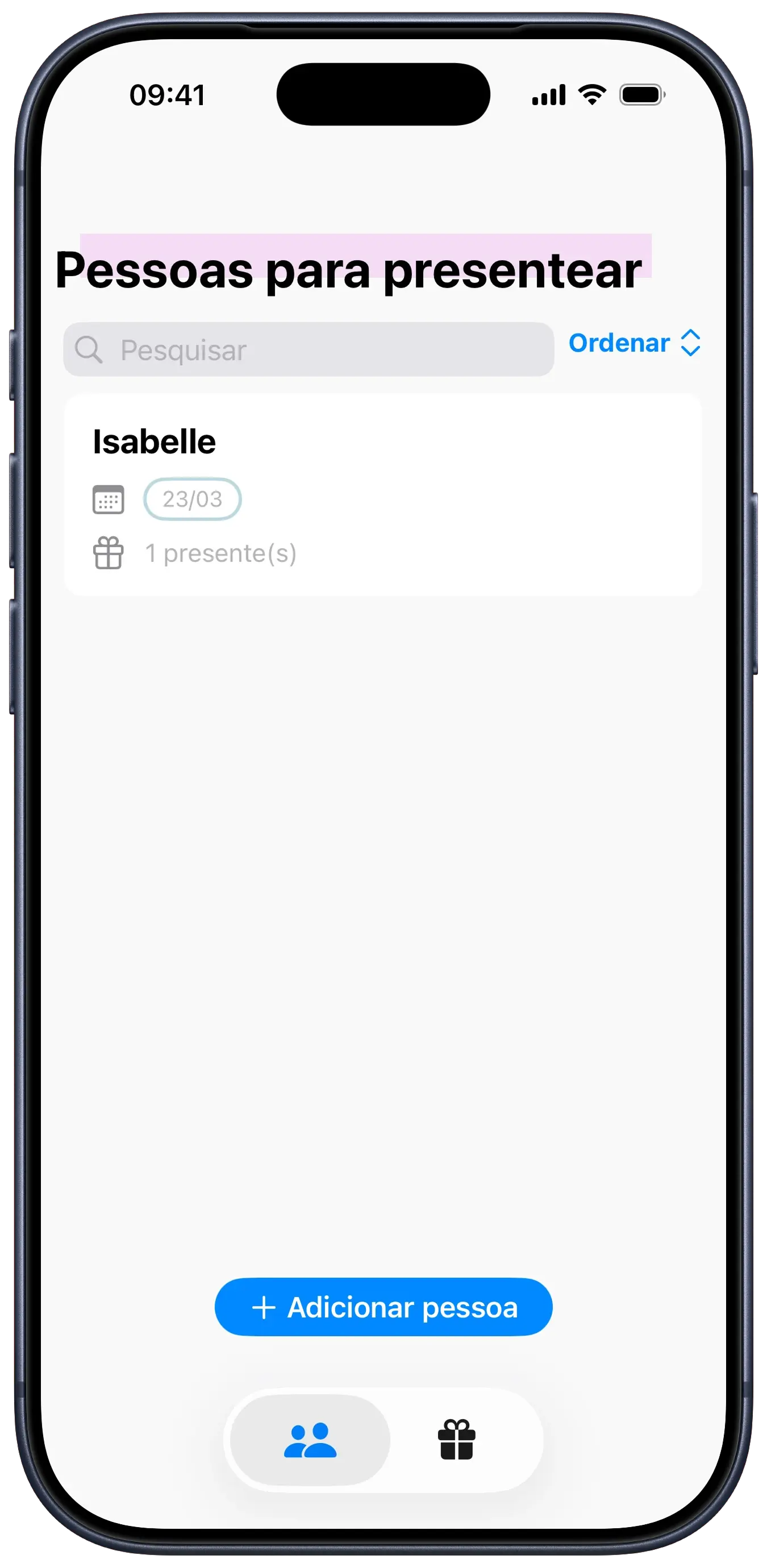
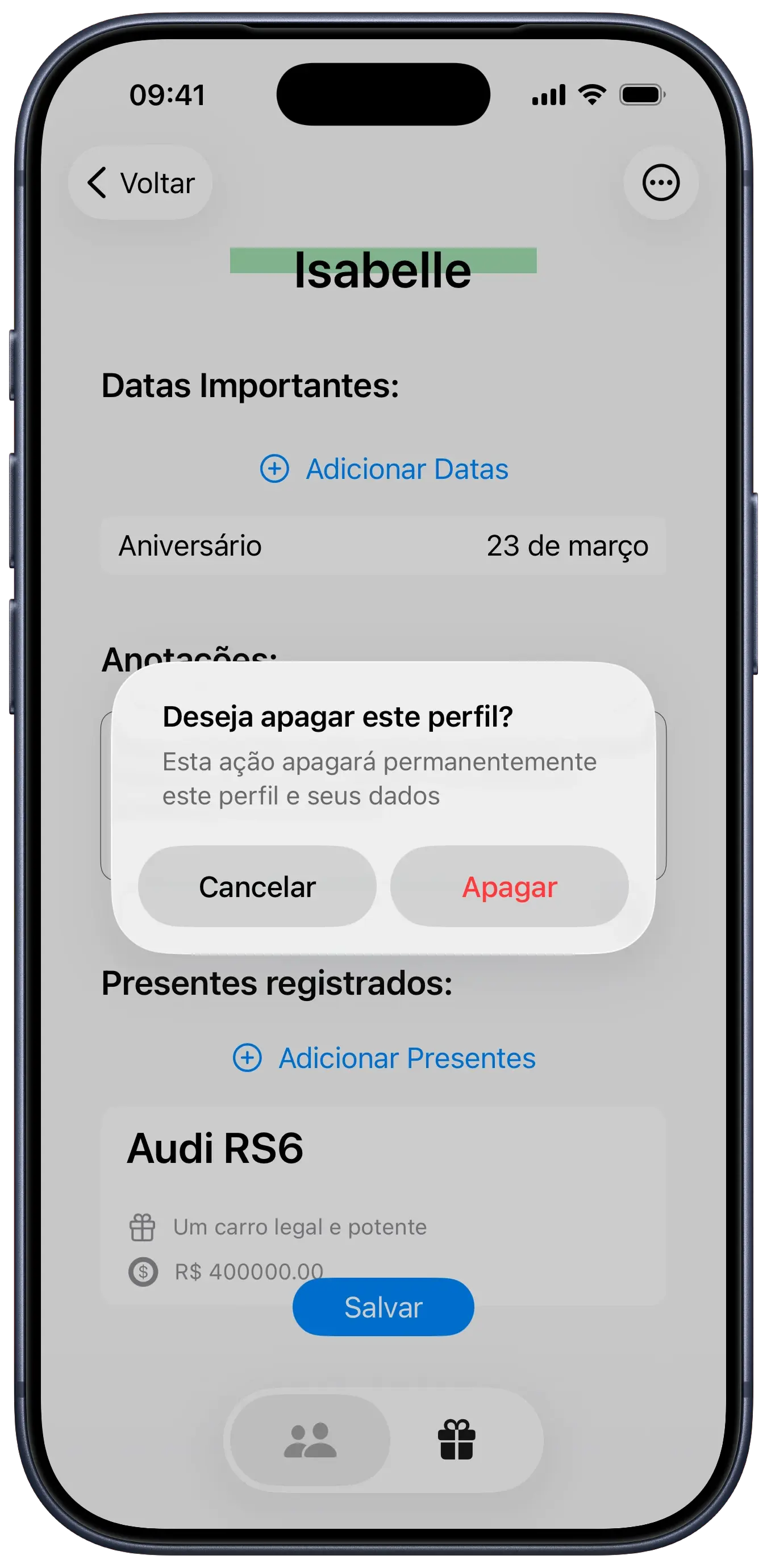
we developed givee with the goal of centralizing gift planning, eliminating the need for scattered notes and last-minute forgetfulness. the app allows users to create profiles for every important person, registering commemorative dates (such as birthdays and anniversaries) and associating gift ideas with them.
each item on the gift list can include detailed notes, price estimates, and direct purchase links, acting as a personal assistant for generosity.
on the local backend, we used SwiftData to create robust relationships between user profiles, their important dates, and suggested gifts. a key technical feature was the integration with EventKit, which allows users to export dates registered in the app directly to the native iOS calendar, ensuring no birthday is ever forgotten.
the SwiftUI interface was designed to be clean and efficient, featuring search functionality and sorting filters to manage extensive lists easily.
some fonts used in this project are proprietary and may not display correctly if they are not installed on your system.
rationale
the design of givee is rooted in a digital notebook metaphor, utilizing an off-white paper color (#F4F2F2) to establish a warm, accessible tone that immediately reduces cognitive load. by avoiding clinical whites, the app suggests that content is a work in progress—a draft or personal notebook—which fits the messy, iterative nature of gifting where ideas are often semi-formed before a final purchase.
the most distinctive element is the use of highlight colors (ocean, blush, citrus, etc.) implemented via ZStacks. in the code (e.g., GiftTitleView and NameSectionView), these appear as offset colored rectangles behind text, mimicking the physical action of using a felt-tip marker. this serves a functional purpose by creating a clear visual hierarchy that draws the eye to titles and names while reinforcing an artisanal, tactile feel that transforms standard iOS UI elements into something personalized.
this human-centric approach continues with the use of rounded fonts, capsule shapes for dates, and soft-stroked tag visuals. since gifting is inherently personal, avoiding a cold, transactional spreadsheet-style list was critical. by styling components like DateCapsule and TagView with coral tones and soft strokes, the app treats profile data—names, dates, and preferences—as valued scrapbook entries rather than mere data points. this emotional design ensures the user feels like they are curating a relationship, not just managing a to-do list.
tech stack
SwiftUI
UI framework
SwiftData
local persistence
EventKit
calendar integration
UIKit
UI framework
code snippets
Recurring Calendar Events
swift
class CalendarManager: ObservableObject { private let eventStore = EKEventStore() @Published var authorizationStatus: EKAuthorizationStatus = .notDetermined func requestAccess() { eventStore.requestFullAccessToEvents { granted, error in DispatchQueue.main.async { self.authorizationStatus = granted ? .authorized : .denied } } } func createEvent(title: String, date: Date) { let event = EKEvent(eventStore: eventStore) event.title = title event.startDate = date event.endDate = date event.isAllDay = true event.calendar = eventStore.defaultCalendarForNewEvents let recurrenceRule = EKRecurrenceRule( recurrenceWith: .yearly, interval: 1, end: nil ) event.recurrenceRules = [recurrenceRule] do { try eventStore.save(event, span: .thisEvent) print("Event Created") } catch { print("Error creating event: \(error.localizedDescription)") } }}
SwiftData Profile Model
swift
@Modelclass ProfileModel: Identifiable { var name: String var events: [EventDateModel]? var bio: String? @Relationship(deleteRule: .cascade, inverse: \GiftModel.owner) var gifts: [GiftModel] = [] init( name: String, events: [EventDateModel]? = nil, bio: String? = nil, gifts: [GiftModel] = [] ) { self.name = name self.events = events self.bio = bio self.gifts = gifts }}